ESP32 Cam Introduction
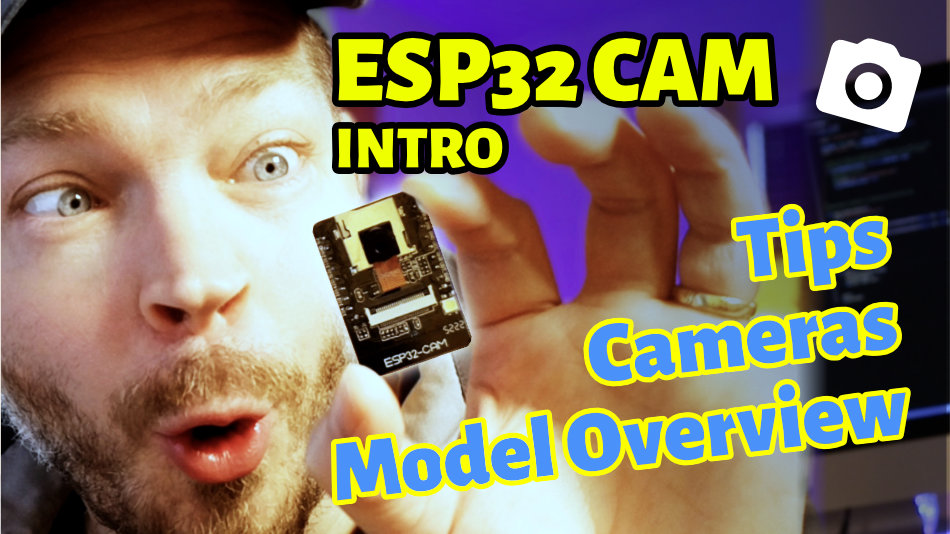
The ESP32 Cam is an ESP32 development board equipped with an additional camera. In this article, we look at an overview of common models and what we need to get started with an ESP32 Cam.
The key facts summarized for you
What Is an ESP32 Cam?
- The ESP32 Cam is a development board (dev board) based on an ESP32 microcontroller and a camera for capturing photos and videos.
- There are various ESP32 Cam boards from different manufacturers with different features.
- All ESP32 Cam boards have WiFi (and some also Bluetooth) and can stream live video.
- Many ESP32 Cam boards have a Micro SD slot for storing photos and videos.
- The ESP32 Cam usually uses an OV2640 camera module; the OV7670 or OV3660 are rather rare.
- Some ESP32 Cam boards have no USB port. In that case, the code has to be uploaded using an FTDI or an ESP32-CAM-MB.

René Aye
Head of Short Circuits @ raydiy
Keeps his herd of microcontrollers supplied with power and lovingly crafted code.
RAYDIY Newsletter
Subscribe now
and get a free eBook!What Is an ESP32 Cam?
The ESP32 Cam is an ESP32 development board equipped with an additional camera.
This means we get the wireless interfaces familiar from the ESP32, such as WiFi and (depending on the ESP32 chip used) Bluetooth, plus a camera function that lets you take photos or videos.
And all of this at a fabulous price: it has never been cheaper and easier to build spy gadgets 🕵🏻♂️
By now there are various ESP32 Cam board models. Almost all of them use a 2 megapixel OV2640 camera module, which usually comes with a short flex cable.
There are also separately available camera modules with longer cables or a fisheye lens. The fisheye lens captures a larger area, which is very useful for surveillance projects, for example.
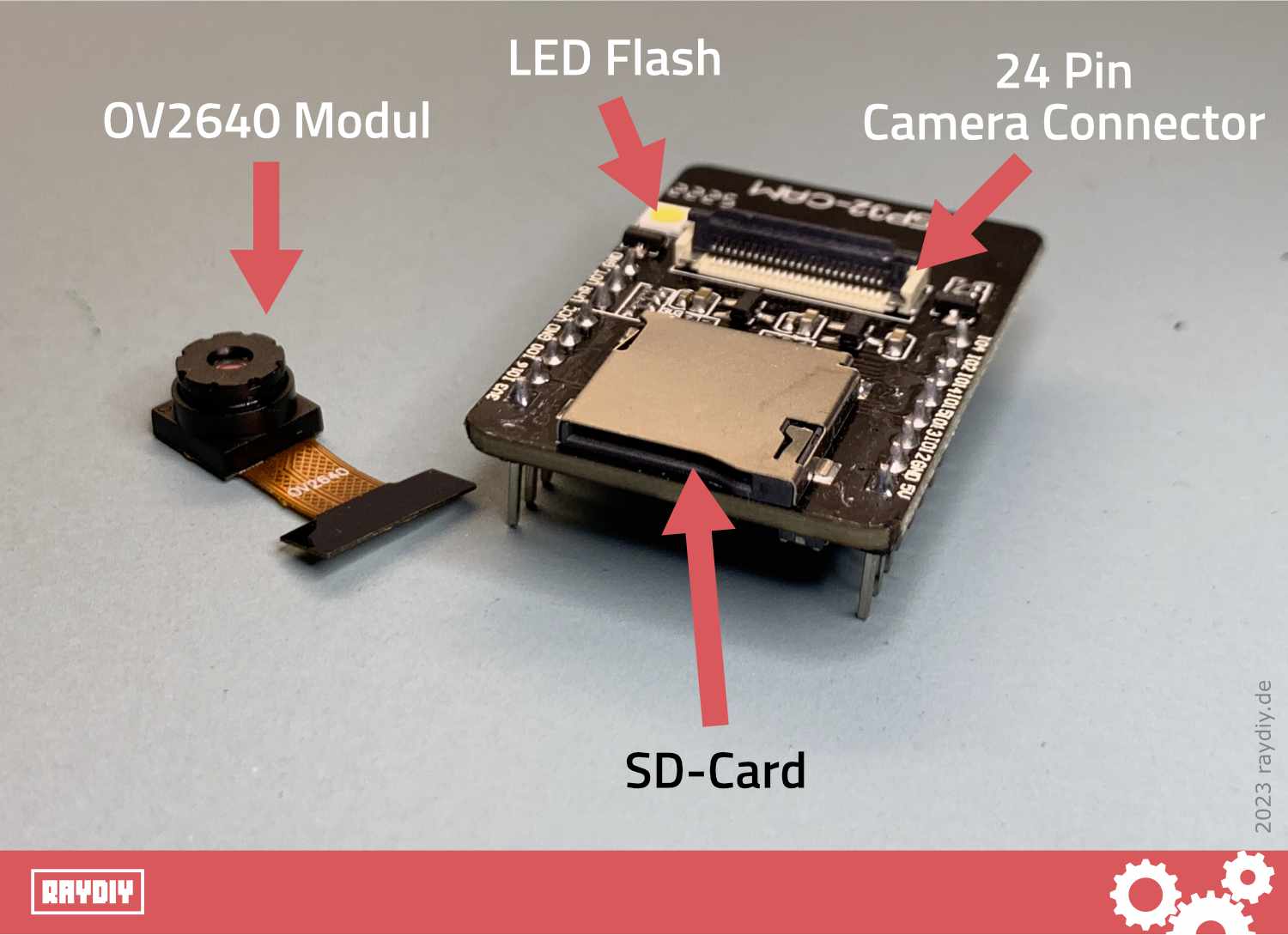
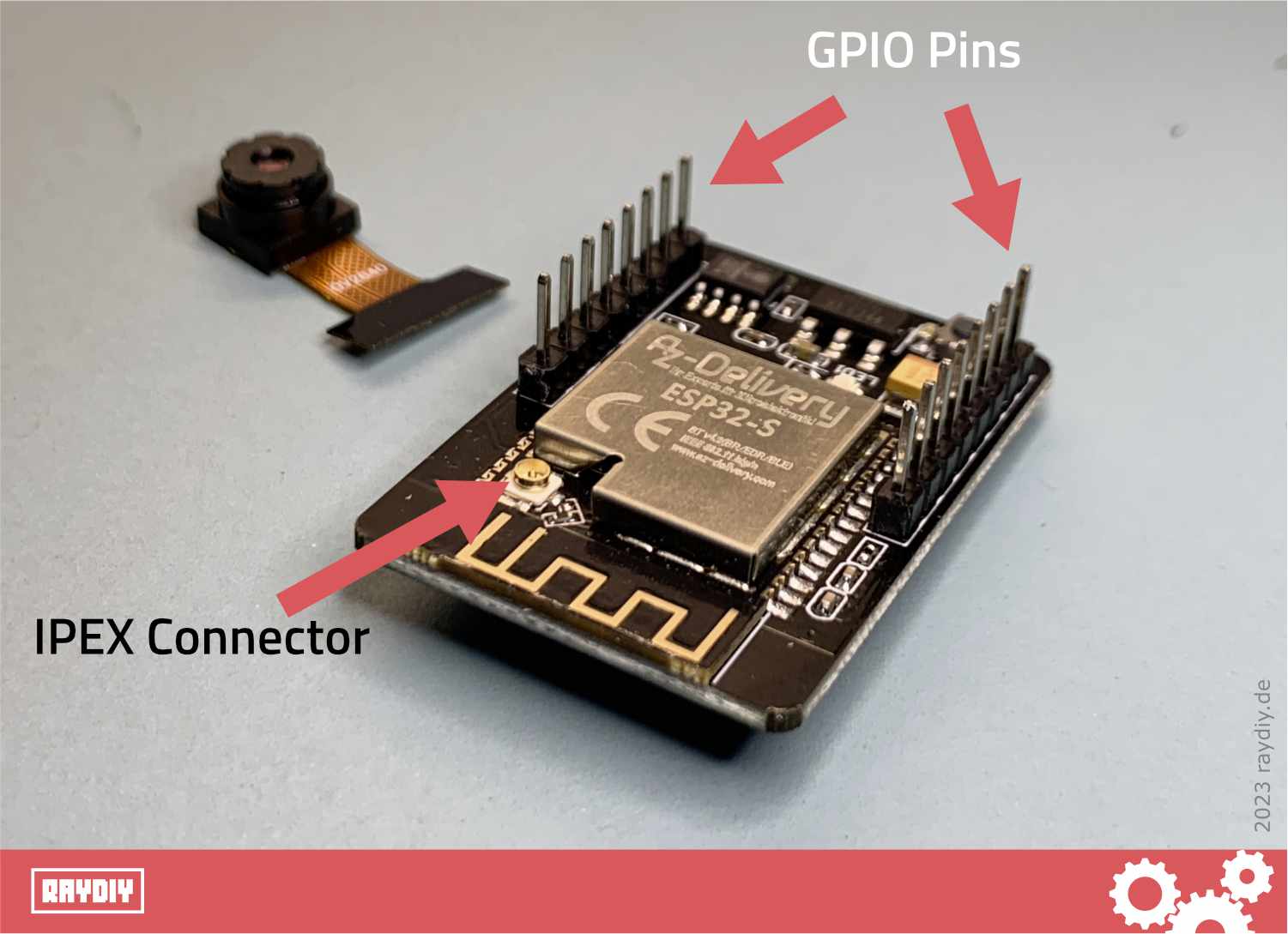
ESP32 Cam GPIO Pins and IPEX Antenna Connector
Some ESP32 Cam boards come with a built-in micro SD card slot. This allows you to save photos and videos directly and reuse or edit them later.
Some boards have usable GPIO pins that are accessible via solder pads. This lets you extend the board with additional functions.
Some boards even come with very special features. Have a look at the overview table of the ESP32 Cam boards I found.
Which ESP32 Cam Boards Are Available?
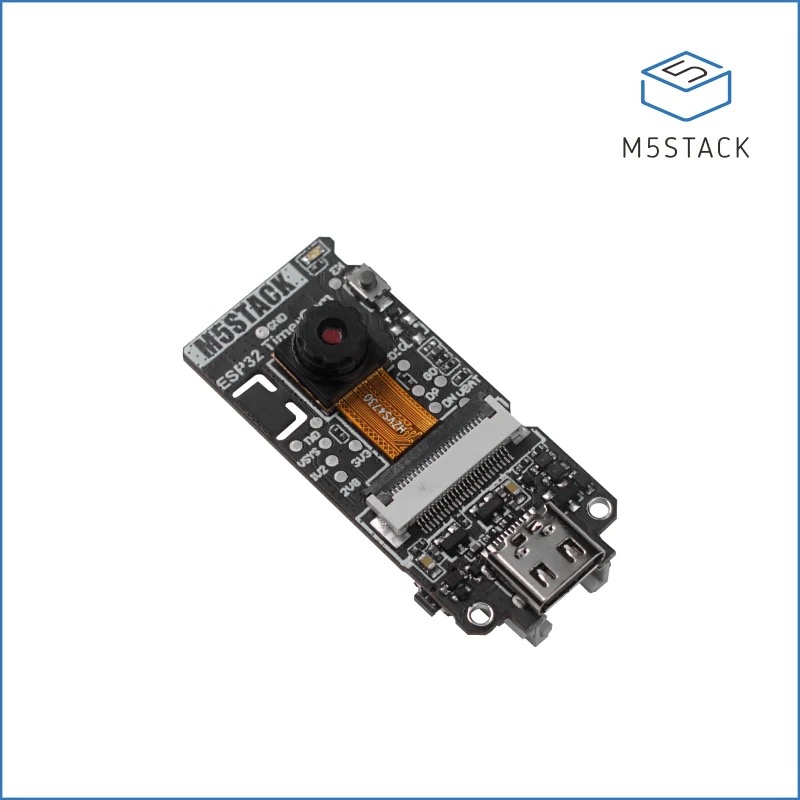
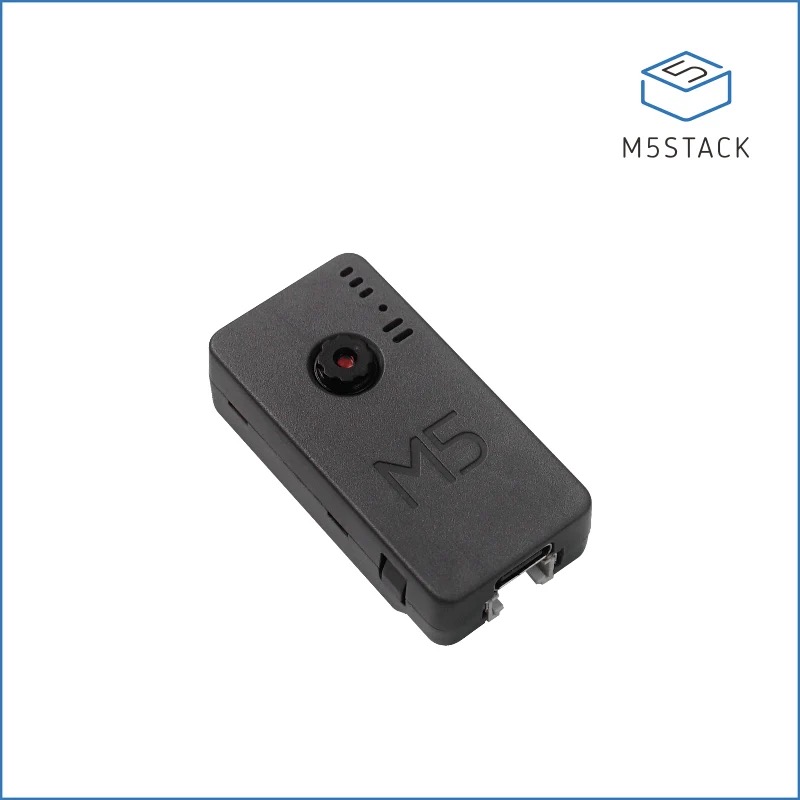
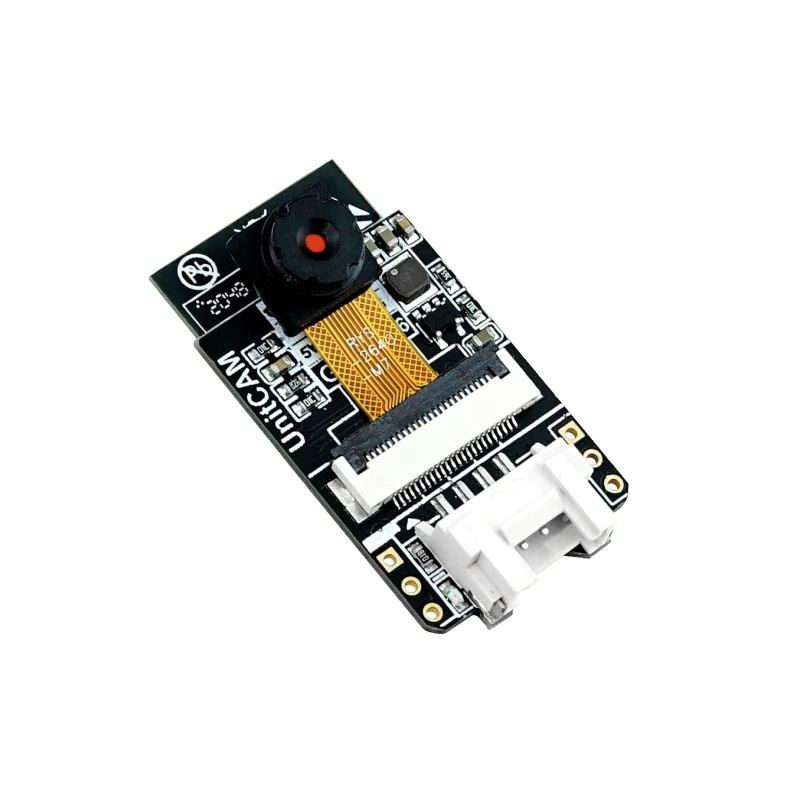
There is a wide variety of ESP32 Cam boards on the market that differ in features, price and performance. Here are some of the models I was able to find while researching this article, without any claim to completeness:


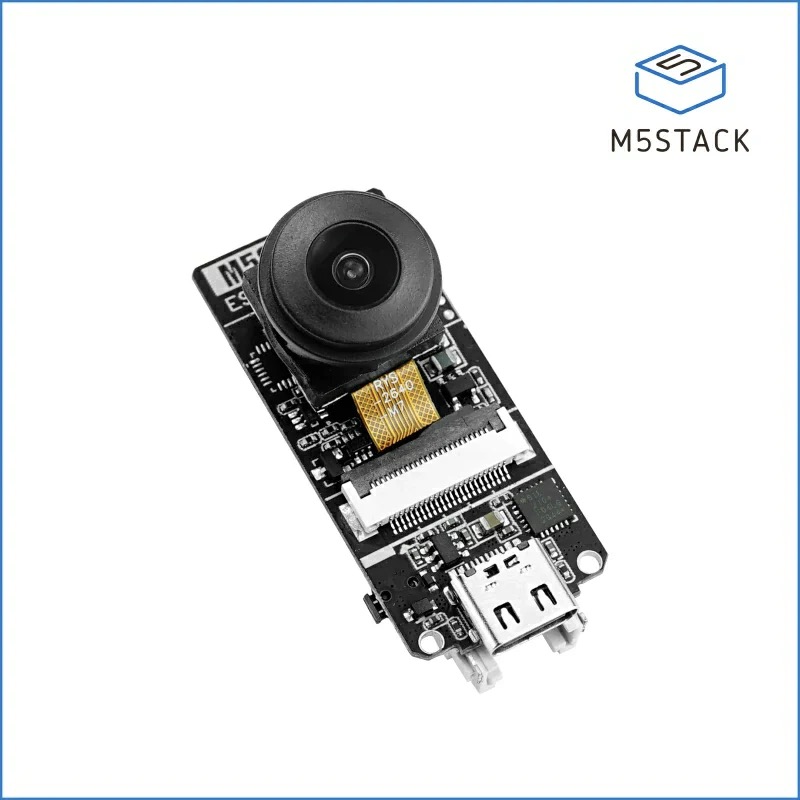
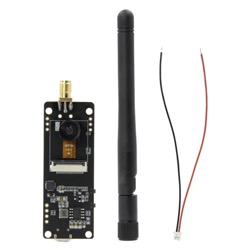
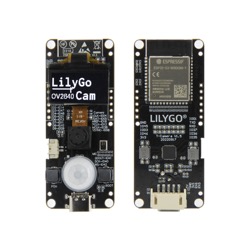
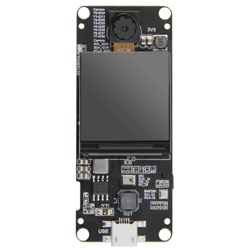
Which Camera Does the ESP32 Cam Use?
Espressif currently (as of November 2023) offers 14 camera drivers for the ESP32, as you can see in this GitHub document . In theory, these camera modules can therefore be used with the ESP32.
Some camera modules are also available as breakout boards and can be connected to an existing standard ESP32 or even an Arduino.
Ready-made ESP32 Cam boards usually use the OV2640 camera module. I found one board that uses the OV3660 out of the box. This camera has a higher resolution than the OV2640.
The OV7670 camera module also shows up frequently in tutorials. This camera has a lower resolution than the OV2640, as the following table shows:
The camera modules are usually connected via a 24-pin flex cable. They also contain a built-in JPEG encoder. This increases the transfer speed, because the images are compressed before they are sent to the ESP32.
ESP32 CAM by AZ Delivery*

Amazon Link*
*
This link is an affiliate link. As an Amazon Partner, I earn from qualified sales.
What Else Do I Need for the ESP32 Cam?
To work with an ESP32 Cam board, you need the following components:
ESP32 Cam Power Supply
You need a 5 volt power supply. You can use a power adapter or a power bank for this. It is also a good idea to check out my article on power supply for the ESP32 and Arduino . I covered the topic of power supply in great detail there. What applies to the ESP32 there also applies to the ESP32 Cam. Well, almost, because …
… although the ESP32 itself runs on 3.3 volts, the manufacturer of the AI Thinker ESP32 Cam officially notes that the board only runs stably on 5 volts.
Of course, this may not be the case for other boards. It is best to check the notes from your board's manufacturer. Or just use 5 volts right away, then nothing should go wrong.
Aukru® 2-in-1 Charger Power Supply 5V/2000mA + Micro-USB Cable*

Amazon Link*
*
This link is an affiliate link. As an Amazon Partner, I earn from qualified sales.
MicroSD Card
If your board has an SD card slot, you can save images and videos directly to the SD card.
The information on the maximum compatible SD card size varies. For the AI Thinker board, the documentation states a maximum of 4GB. However, there are also reports of successful tests with 64 GB cards.
FTDI, USB to TTL Converter or ESP32-CAM-MB
If your ESP32 Cam has no USB port, you need an FTDI or an ESP32-CAM-MB board. I go into this topic in more detail further below.
Jumper Wires
You need jumper wires for the FTDI board or if you want to use the GPIO pins of the ESP32 Cam board.
Development Environment (IDE)
The Arduino IDE or PlatformIO with VS Code are well suited for programming the ESP32 Cam. I described how to connect the ESP32 to both environments in the article Arduino IDE vs. PlatformIO.
Can You Use the ESP32 Cam Board Without a Micro SD‑Card?
Yes, the ESP32 Cam board can be used without an SD card. However, you then cannot save photos or videos. Even without an SD card, the ESP32 Cam board is still able to send live video streams.
In addition, an SD card could hold additional code to extend the board's internal memory, which enables larger applications and projects.
Intenso microSDHC 4GB Class 4 Memory Card incl. SD Adapter*

Amazon Link*
*
This link is an affiliate link. As an Amazon Partner, I earn from qualified sales.
Elegoo Jumper Wires for Breadboards*

Amazon Link*
*
This link is an affiliate link. As an Amazon Partner, I earn from qualified sales.
FTDI, USB-to-TTL & ESP32-CAM-MB
What Is an FTDI Adapter?
As you can see in the comparison table above, some ESP32 Cam boards have no USB port. This is the case, for example, with the widely used ESP32 Cam from AI Thinker. You then need a so-called FTDI USB adapter or a USB-to-TTL adapter to upload code to the board.
What Is an FTDI and a USB-TTL Adapter?
FTDI is actually the name of a company that specializes in USB solutions. I assume they make the chips used on USB-TTL adapters. That is why these adapters are often called FTDI.
So FTDI adapters and USB-TTL adapters are basically the same thing.
By the way, you can also use an Arduino as an FTDI. So if you still have an Arduino lying around, you don't necessarily need an FTDI or USB-TTL adapter.
FTDI USB to TTL Serial Adapter for 3.3V and 5V*

Amazon Link*
*
This link is an affiliate link. As an Amazon Partner, I earn from qualified sales.
What Is an ESP32-CAM-MB?
Programming is even easier with a so-called ESP32-CAM-MB board. This is basically an additional board that plugs right under the ESP32 Cam like a shield and adds a USB port to it.
My guess is that such an ESP32-CAM-MB contains nothing more than a built-in USB-TTL adapter.
You can also find offers where the ESP32 Cam comes with an additional ESP32-CAM-MB board.
The advantage of an FTDI adapter is that you can also use it for other microcontrollers. For example, the Arduino Pro Mini has no USB port either, so you need an FTDI there as well. The ESP32-CAM-MB, on the other hand, is designed specifically for the AI Thinker ESP32 Cam board.
ESP32-CAM MB*

Amazon Link*
*
This link is an affiliate link. As an Amazon Partner, I earn from qualified sales.
Summary
In this article, you have learned all the basics about the ESP32 Cam board. In the comparison table you will find 12 current boards. This should help you pick the right board for you.
The AI Thinker board is widely used, and there are lots of tutorials for it. This board is often rebranded and resold. That is why this ESP32 Cam board is available from many different vendors such as AZ Delivery, diymore, XTVTX etc.
However, the AI Thinker board has the drawback that you need an additional FTDI or ESP32-CAM-MB to upload code to the board. So I recommend going for offers that include an ESP32-CAM-MB, unless you already have an FTDI adapter. That is the easiest way to program the ESP32 Cam.
Of the boards in the table, the LILYGO products seem the most attractive to me. However, it is somewhat unclear which GPIO pins are still available on them. If you don't need any additional GPIO pins, you should definitely take a look at these boards.
I also find the ESP32 PSRAM Timer Camera from M5Stack very attractive. Although it offers the best resolution of the boards listed here, it stays in the same price range as the classic model from AI Thinker.
Further Links
Links on the ESP32 Cam
ESP32 Cam + PlatformIO: Surveillance Camera with Live Video Stream via Webserver
ESP32 Cam Video Tutorial: How to Build a Surveillance Camera in a Few Steps and Stream the ...
ESP32 Cam + PlatformIO – First Project: Flash Light (Hello World)
How to use the ESP32 Cam with PlatformIO? In this mini-project, you will learn the basic essentials, ...
ESP32 Cam FTDI – Here’s how to wire a microcontroller when it does not have a USB port
How can you flash your ESP32 Cam without a USB port? You will need what is known ...
RAYDIY Newsletter
Subscribe now
and get a free eBook!


